Welcome to Creative A.V. Solutions, Inc.
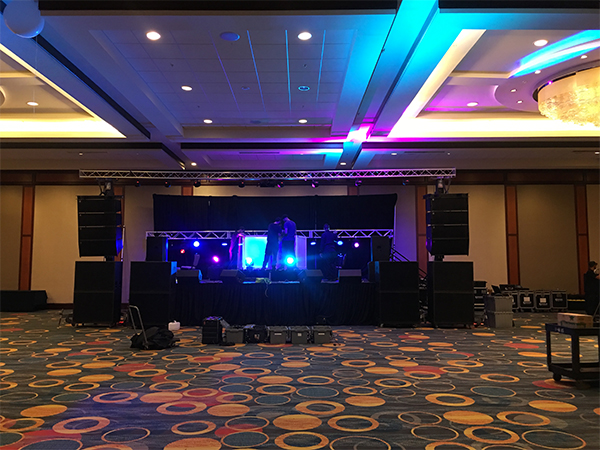
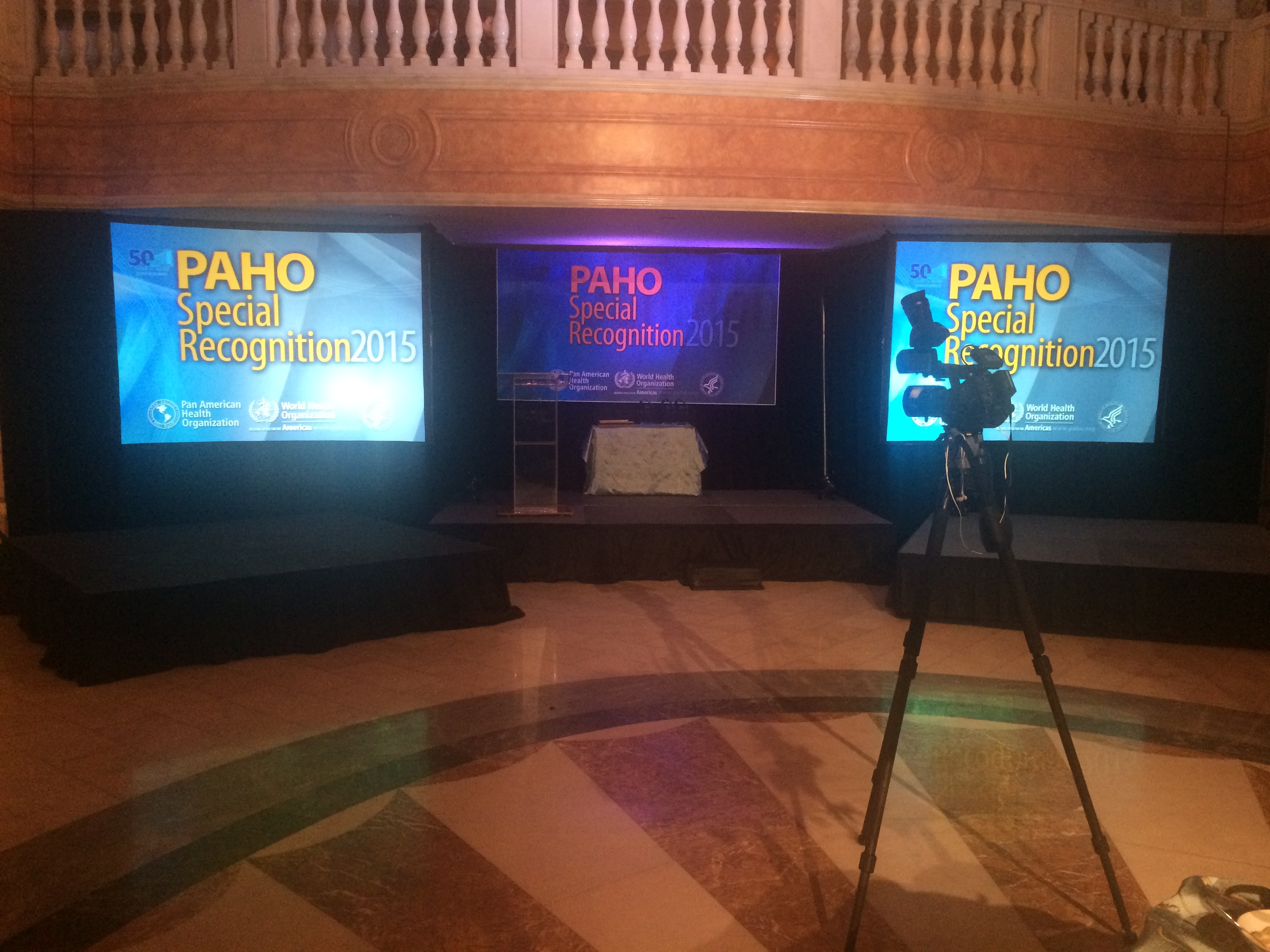
Our team of event technicians and engineers possess the experience and drive to provide turnkey service in every facet of event production from pre-planning and design, from audio, video, lighting to staging for a variety of events. Thoughtful iteration drives everything we do. We believe learning should come before executing so that when you win, we win.
Welcome to Creative A.V. Solutions, Inc.
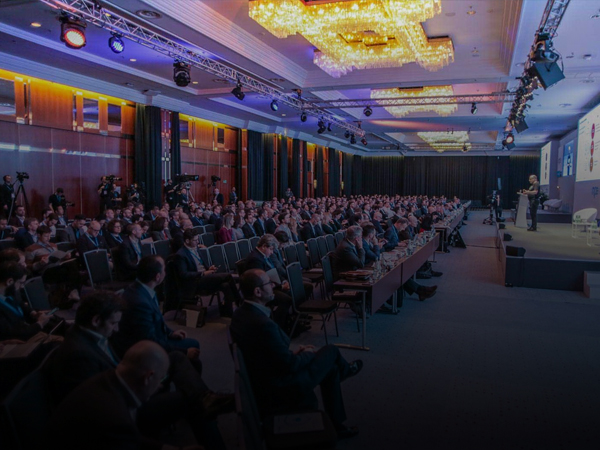
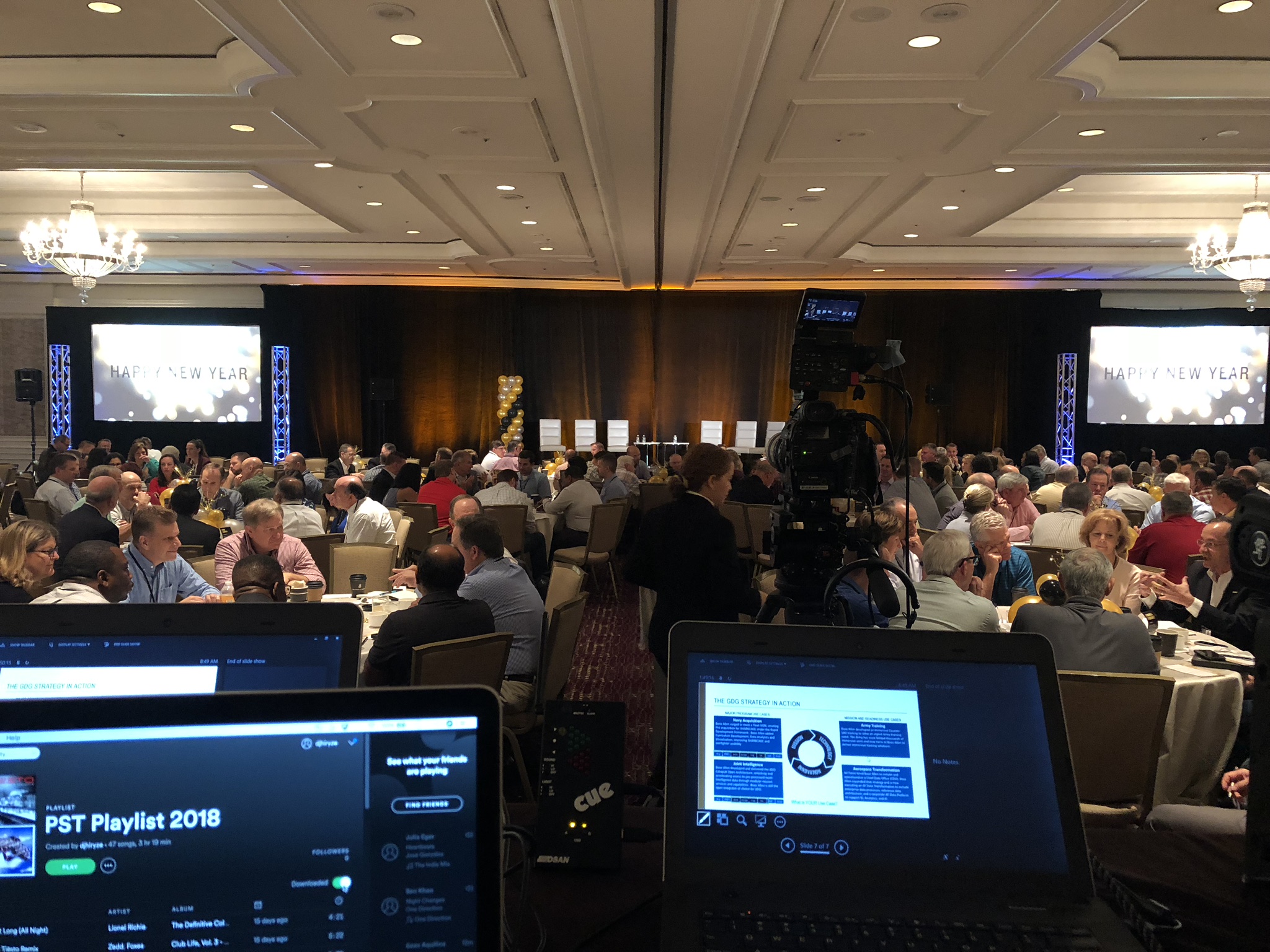
Simply put, our goal is to add measurable value end-to-end for seamless in-person, hybrid, and virtual events. With a strategy-first approach, we leverage the latest Technology to help our clients at any stage deliver amazing creative, production and technology and services from the small boardrooms, breakouts to large ballrooms.
Welcome to Creative A.V. Solutions, Inc.
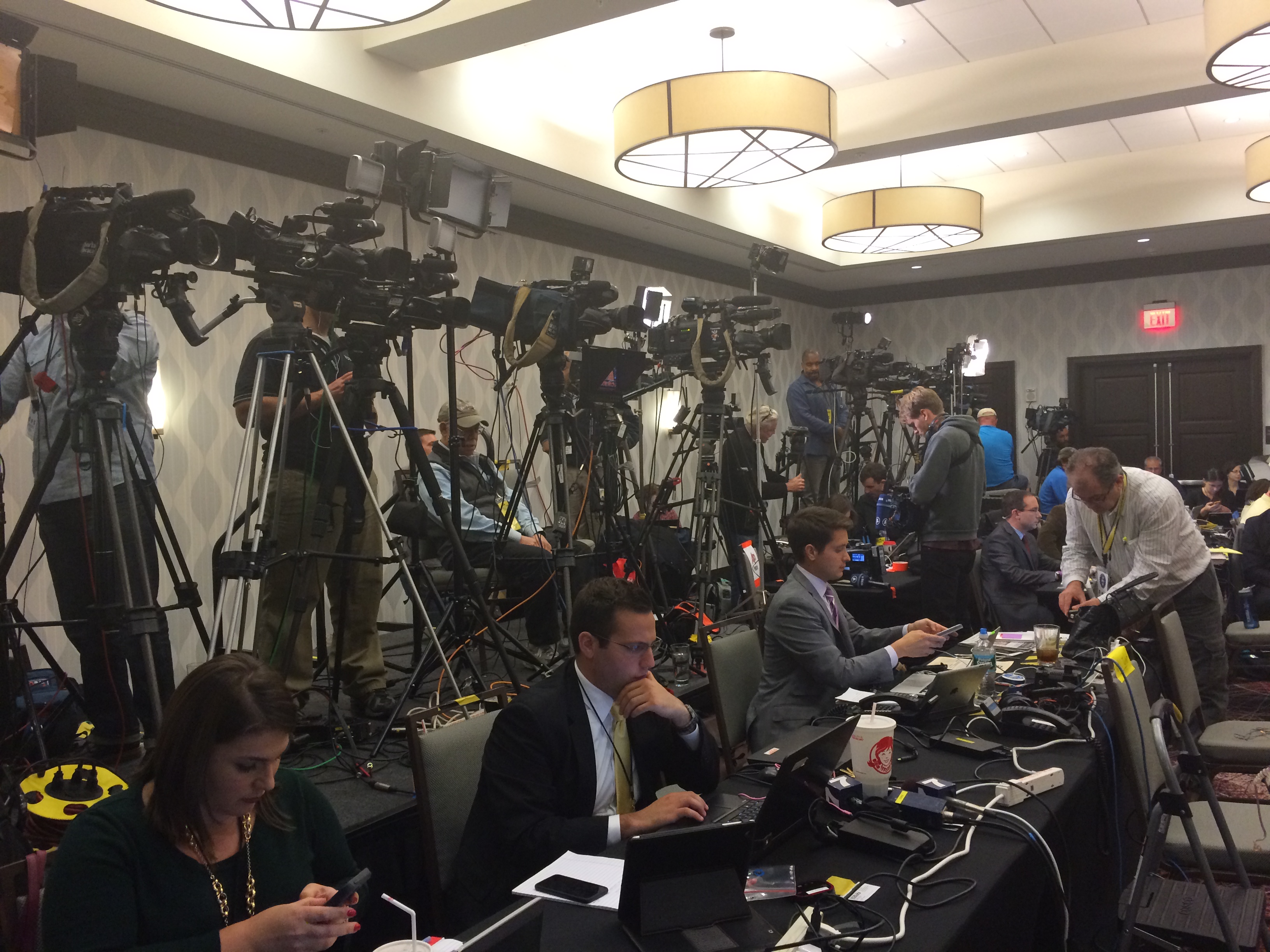
We make every effort to be our clients’ one-stop resource for all their event needs. Our clients trust Creative AV Solutions to produce a single-source creative, technical and logistics solution sensational events that convey messages with impact and leave lasting impressions with audiences.